10 Best Free AI Tools Every Student and Professional Should Use in 2026
Introduction
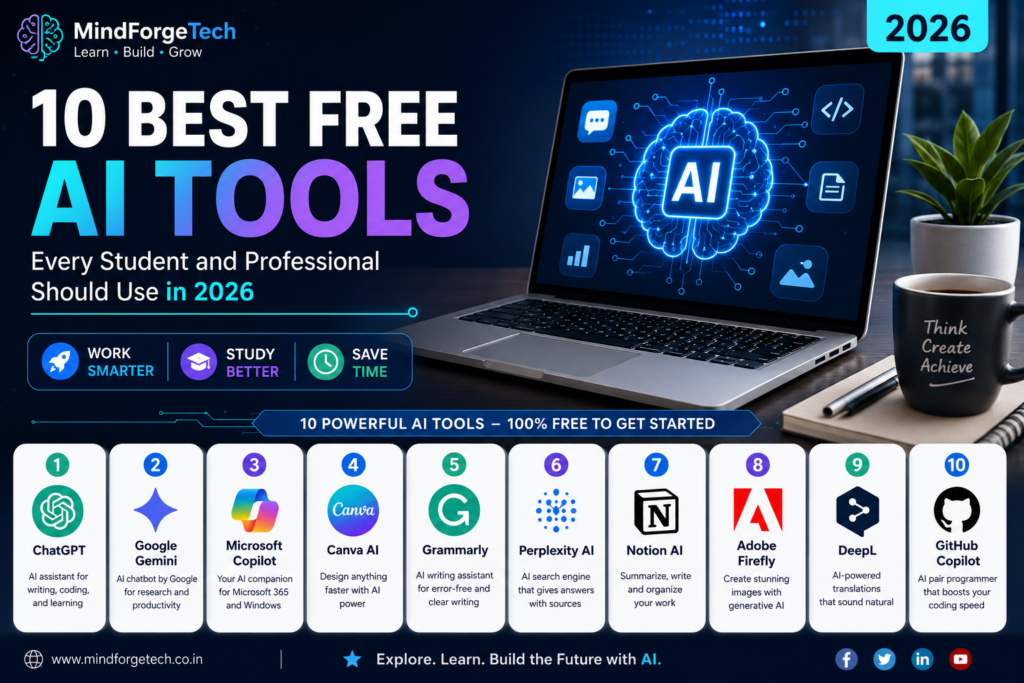
The best part is that many powerful AI tools are completely free to use. In this article, we’ll explore the 10 best free AI tools in 2026 and explain how each one can help you work smarter.
Artificial Intelligence (AI) has become an essential part of daily life. Whether you’re a student completing assignments, a software developer writing code, a content creator designing graphics, or a business professional preparing presentations, AI tools can save time and improve productivity.
1. ChatGPT
ChatGPT is one of the most popular AI assistants. It can answer questions, explain concepts, write articles, generate code, summarize documents, and help with brainstorming ideas.
Best for:
- Students
- Developers
- Writers
- Business professionals
Pros
- Easy to use
- Supports many topics
- Excellent writing assistance
Cons
- Some advanced features require a paid plan
2. Google Gemini
Google Gemini helps users search, summarize information, generate content, and work with Google Workspace.
Best for:
- Research
- Email writing
- Google Docs users
Pros
- Deep integration with Google services
- Fast responses
Cons
- Some advanced features require a subscription
3. Microsoft Copilot
Microsoft Copilot is built into Microsoft 365 and Windows, helping users create documents, presentations, and spreadsheets more efficiently.
Best for:
- Office work
- Excel
- PowerPoint
Pros
- Excellent productivity features
- Integrates with Microsoft apps
Cons
- Some capabilities depend on your Microsoft plan
4. Canva AI
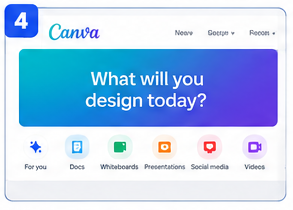
Canva AI makes it easy to design social media posts, presentations, posters, and marketing materials using AI-powered tools.
Best for:
- Designers
- Students
- Small businesses
Pros
- Beginner-friendly
- Huge template library
Cons
- Some premium assets require payment
5. Grammarly
Grammarly checks grammar, spelling, punctuation, and writing style, helping you communicate more clearly.
Best for:
- Emails
- Reports
- Blog writing
Pros
- Improves clarity
- Easy browser integration
Cons
- Advanced suggestions are part of the premium version
6. Perplexity AI
Perplexity AI provides AI-powered answers with links to supporting sources, making it useful for research.
Best for:
- Students
- Researchers
- Professionals
Pros
- Cites sources
- Fast information retrieval
Cons
- Source quality can vary
7. Notion AI
Notion AI helps summarize notes, generate content, and organize projects.
Best for:
- Productivity
- Project management
- Note-taking
Pros
- Great workspace integration
- Saves time
Cons
- AI features may require a paid plan
8. Adobe Firefly
Adobe Firefly uses AI to create images and assist with creative editing.
Best for:
- Graphic designers
- Content creators
Pros
- High-quality image generation
- Creative editing tools
Cons
- Feature limits on free plans
9. DeepL
DeepL is an AI-powered translation tool known for natural-sounding translations.
Best for:
- Language learners
- International communication
Pros
- Excellent translation quality
- Supports many languages
Cons
- Some features are premium
10. GitHub Copilot
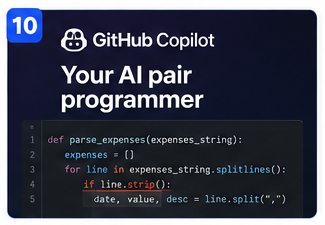
GitHub Copilot assists developers by suggesting code, explaining functions, and improving productivity.
Best for:
- Software developers
- Students learning programming
Pros
- Speeds up coding
- Supports many programming languages
Cons
- Best experience requires a paid subscription
Frequently Asked Questions
Which AI tool is best for students?
ChatGPT, Google Gemini, Grammarly, and Perplexity AI are excellent choices for studying, research, and writing.
Which AI tool is best for developers?
GitHub Copilot and ChatGPT are among the most useful for coding, debugging, and learning new technologies.
Are these AI tools free?
Most of them offer free plans with optional paid upgrades for additional features.
Conclusion
AI tools are transforming how we learn, work, and create. Whether you’re a student, software developer, business professional, or content creator, using the right AI tools can save time and improve productivity. Start with the free versions, explore their capabilities, and choose the ones that best fit your needs.